
Google provides shortcuts for finding commonly sought utilities and information, which you may have previously found offline or on specialized sites.
-
Enter a U.S. street address, including zip code or city/state.
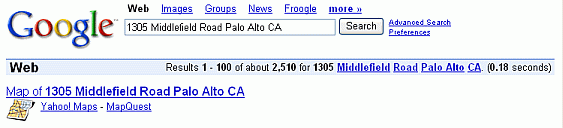
Clicking on a map-provider link takes you to a map showing the location result and links to driving directions.
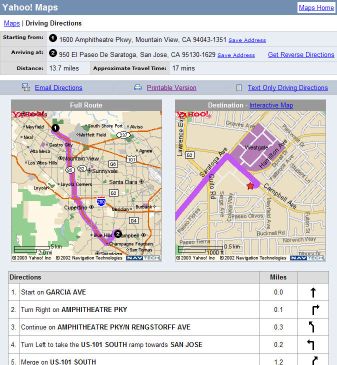
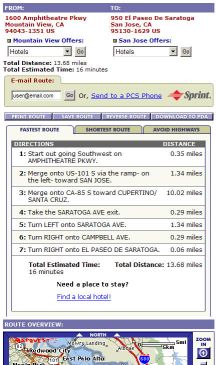
-
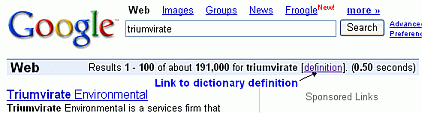
If Google finds any dictionary definitions for your search terms, in the statistics bar,
- it shows those words as underlined links
- includes a definition link.
What do co-founders Larry Page and Sergey Brin, and CEO Eric Schmidt mean when they say they run Google as a triumvirate?
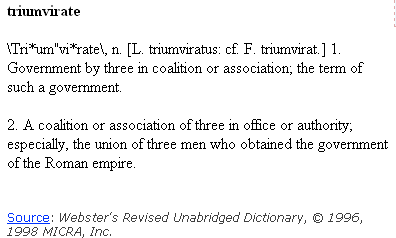
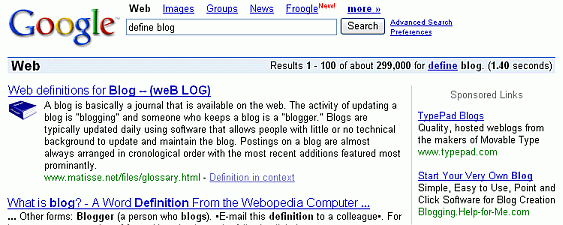
Google displays one Glossary definition above your search results when you put one of the following in front of a word phrase or acronym:
- define
- what is
- or what are
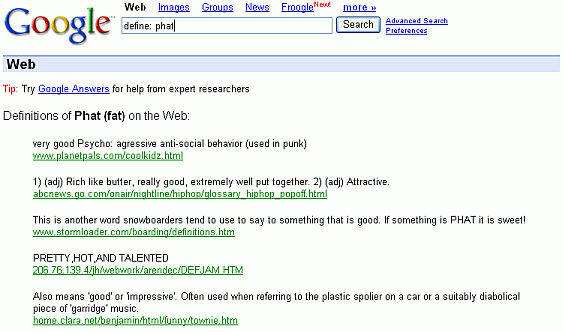
When your query includes the “define:” operator (ending with a colon character), Google displays all the definitions it finds on the web.
-
The Google Calculator isn’t Mathematica, Maple, or Matlab
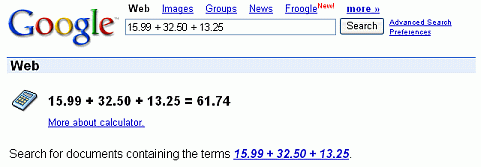
Google’s calculator can
- add up a list of numbers
- convert from miles to kilometers
- evaluate some other sorts of mathematical expressions.
Calculate a tip for a meal that costs $93.45.
Calculate the cosine of 2π.
Convert from one set of units to another.
Many commonly used physical constants are built into Google’s calculator.
- More Shortcuts
The results of the following shortcuts appear to the right of a tag or specialized icon and above your search results.


For even more shortcuts, visit Google Guide’s cheat sheet or the Google Guide coffee page.
tags (keywords): calculator, dictionary, driving directions, favorite, phone number
